
 Add to Chrome
 Add to Edge
 Adi Leviim
Export ChatGPT to TXT: Complete Guide for Backups & Sharing (2026)
Want to save your ChatGPT conversations in a simple, readable format? TXT export is perfect for sharing, printing, or creating backups that anyone can read. This guide shows you how to export ChatGPT to TXT format using ChatGPT Toolbox—instantly, without waiting for emails.
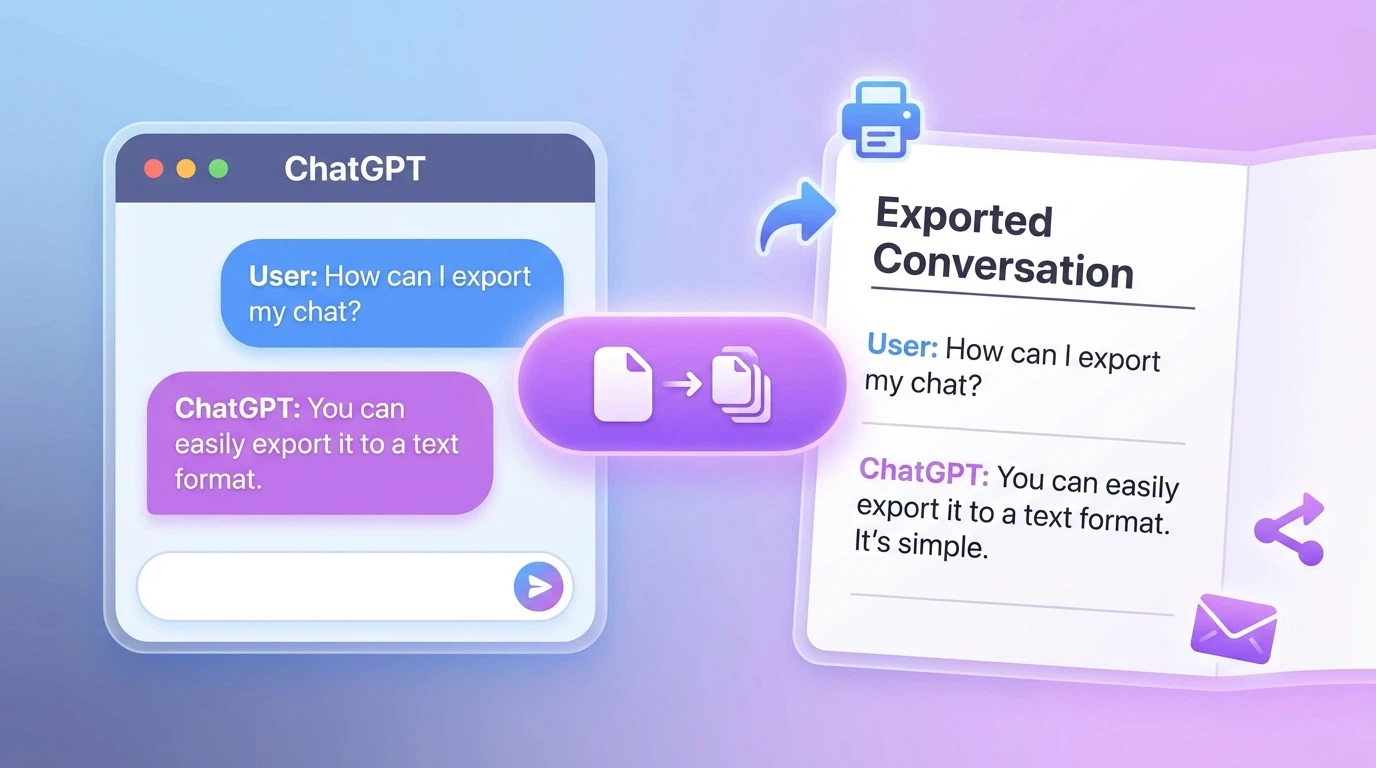
What is TXT Export for ChatGPT?
TXT (plain text) is the simplest file format—just pure text that can be opened anywhere. When you export ChatGPT conversations to TXT, you get:
- Human-readable format - Easy to read without special software
- Universal compatibility - Opens on any device, any operating system
- Print-friendly - Perfect for physical copies of important chats
- Small file sizes - Takes minimal storage space
- Easy sharing - Paste into emails, documents, or messages
Unlike JSON exports which include metadata, TXT exports focus on readability—showing your conversation flow in a clean, simple format.
Why Export ChatGPT Conversations to TXT?
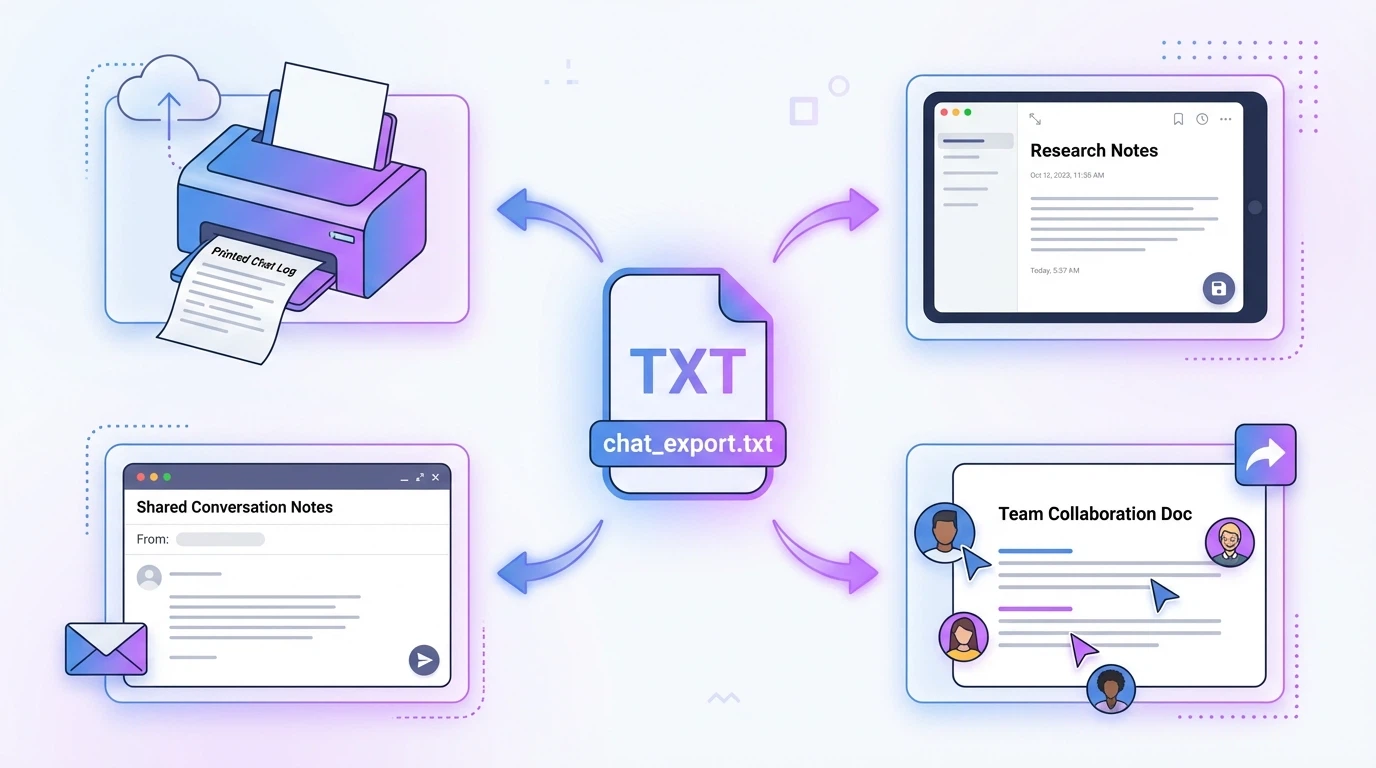
TXT format is ideal for many common scenarios:
For Sharing & Collaboration
- Share conversations with colleagues who don't use ChatGPT
- Paste into emails, Slack, or team chats
- Include in reports or presentations
- Send to clients as documentation
For Documentation
- Create readable records of important AI conversations
- Add to project documentation
- Archive research discussions
- Build reference materials
For Personal Backups
- Save important chats in a format you can always access
- Create offline copies of valuable conversations
- Print physical backups of critical information
How to Export ChatGPT to TXT (Step-by-Step)
Follow these simple steps to export your ChatGPT conversations to TXT format using ChatGPT Toolbox:
- Install ChatGPT Toolbox - Add the free Chrome extension to your browser
- Open ChatGPT - Go to chat.openai.com
- Find your conversation - Locate the chat you want to export
- Click the export button - Hover over the conversation and click the export icon
- Select TXT format - Choose "TXT" from the format options
- Download your file - The text file downloads instantly
Your conversation is now saved as a clean text file, ready to read, share, or print!
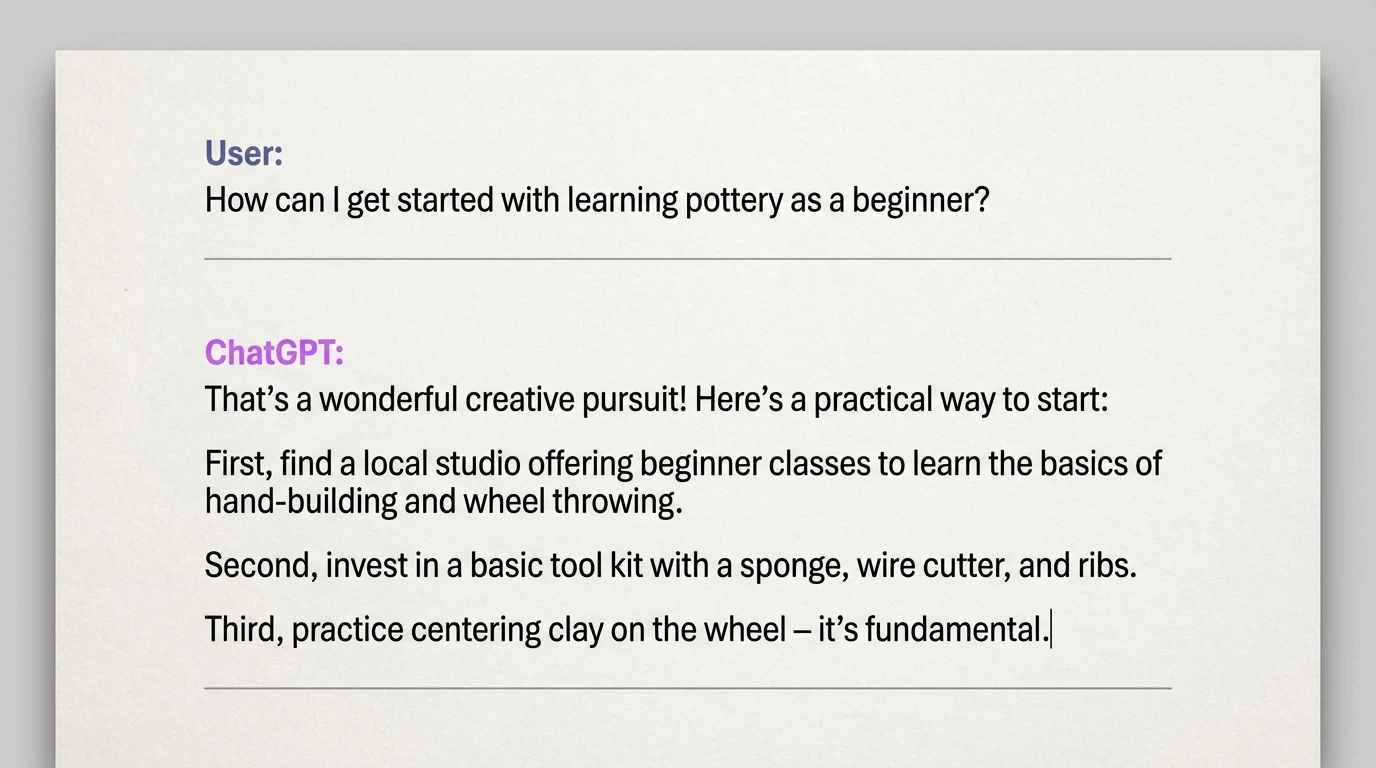
What Does a TXT Export Look Like?
When you export a ChatGPT conversation to TXT, you get a clean, readable format:
Conversation: How to Learn Python Date: January 28, 2026 --- User: What's the best way to start learning Python? --- ChatGPT: Here are the best steps to start learning Python: 1. Install Python from python.org 2. Choose a beginner-friendly IDE like VS Code or PyCharm 3. Start with basic concepts: variables, data types, loops 4. Practice with small projects 5. Use resources like Python.org tutorials or Codecademy Would you like me to suggest specific beginner projects? --- User: Yes, please suggest some beginner projects. --- ChatGPT: Here are 5 great beginner Python projects: 1. Calculator - Learn basic operations and user input 2. To-do list - Practice working with lists and file handling 3. Number guessing game - Understand conditionals and loops 4. Simple web scraper - Introduction to libraries like requests 5. Weather app - Learn API integration Start with the calculator and work your way up!Each message is clearly separated, making it easy to follow the conversation flow.
Bulk Export Multiple Conversations to TXT
Need to export several conversations at once? ChatGPT Toolbox's bulk export makes it simple:
- Click the checkbox icon in the sidebar to enable selection mode
- Select all conversations you want to export
- Click the bulk export button
- Choose TXT as your format
- Download all conversations as separate TXT files
This is perfect for creating backups of entire projects or archiving a month's worth of conversations.
Learn more in our complete bulk export guide.
TXT vs JSON Export: Which Should You Choose?
| Feature | TXT Export | JSON Export |
|---|---|---|
| Best for | Reading, sharing, printing | Developers, data analysis |
| Human readable | Excellent | Moderate |
| File size | Smaller | Larger (includes metadata) |
| Metadata preserved | Basic (title, date) | Full (timestamps, IDs, structure) |
| Machine readable | Limited | Yes |
| Print quality | Excellent | Poor |
Choose TXT when: You want to read, share, print, or create simple backups that anyone can access.
Choose JSON when: You need to process data programmatically or want full metadata. See our JSON export guide for developers.
Common Use Cases for TXT Exports
1. Study Notes & Learning
Export ChatGPT explanations as TXT files to create study materials. Print them out or add to your notes for offline review.
2. Meeting & Project Documentation
When you use ChatGPT for brainstorming or planning, export the conversation as a TXT file to include in project documentation.
3. Sharing with Non-Technical Users
TXT files open anywhere—perfect for sharing helpful ChatGPT responses with colleagues, family, or friends who may not use special software.
4. Creating Content Archives
Writers and content creators can export drafts, outlines, and research conversations as TXT files for their content library.
5. Printing Important Conversations
TXT format prints cleanly on any printer. Create physical copies of critical information, instructions, or references.
OpenAI's Native Export vs ChatGPT Toolbox
OpenAI offers a native data export, but it has limitations:
| Feature | OpenAI Native | ChatGPT Toolbox |
|---|---|---|
| TXT format | Not available | Yes |
| Export speed | 24-48 hours via email | Instant download |
| Select specific chats | No | Yes |
| Frequency limit | Once per 30 days | Unlimited |
| Readable format | JSON only | TXT and JSON |
ChatGPT Toolbox is the only way to get instant TXT exports of your ChatGPT conversations.
Tips for Organizing TXT Exports
- Use descriptive filenames - Rename files with date and topic (e.g., "2026-01-28-python-tutorial.txt")
- Create folders by category - Organize exports into Work, Personal, Learning folders
- Add to cloud storage - Upload to Google Drive, Dropbox, or iCloud for access anywhere
- Use ChatGPT folders - Organize conversations before exporting for better file management
Combining TXT Export with Other Features
Get the most from your exports by using other ChatGPT Toolbox features:
- Archive conversations - Hide chats you've exported to keep your sidebar clean
- Search history - Find specific conversations before exporting
- Pin important chats - Mark conversations you want to export regularly
Frequently Asked Questions
What is the TXT format for ChatGPT exports?
TXT (plain text) is a human-readable format that preserves the conversation flow in a clean, simple layout. It shows the dialogue between you and ChatGPT in an easy-to-read format, perfect for sharing or printing.
How do I export ChatGPT conversations to TXT?
With ChatGPT Toolbox, click the export button on any conversation and select TXT format. The file downloads instantly as a readable text file. For multiple conversations, use bulk export to download them all at once.
Can I print ChatGPT TXT exports?
Yes! TXT files print cleanly on any printer. Open the file in any text editor or word processor and print directly. The simple format ensures clean, readable printouts.
What's the difference between TXT and JSON exports?
TXT exports are human-readable and perfect for sharing, printing, or simple backups. JSON exports preserve full metadata (timestamps, IDs) and are better for developers who need to process data programmatically.
Can I export multiple ChatGPT conversations to TXT at once?
Yes! ChatGPT Toolbox's bulk export feature lets you select multiple conversations and export them all to TXT simultaneously. Each conversation saves as a separate, organized file.
Start Exporting to TXT Today
Ready to save your ChatGPT conversations in a simple, readable format? Install ChatGPT Toolbox for free and start exporting to TXT instantly.
Join 16,000+ users who trust ChatGPT Toolbox for organizing, searching, and exporting their ChatGPT conversations.
