Can I export ChatGPT conversations without an extension?
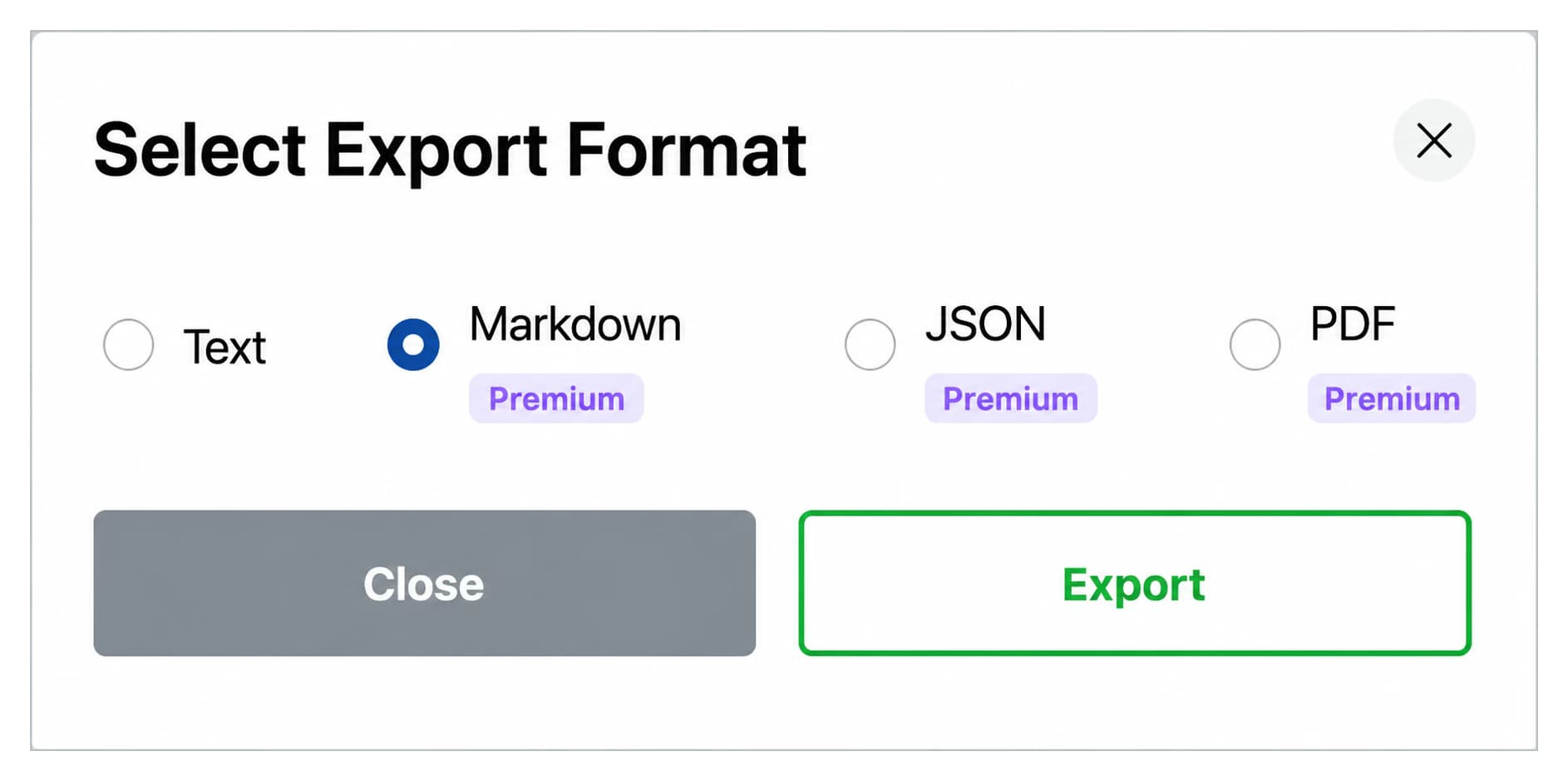
Yes, but only in a limited way. ChatGPT includes a native data export option in Settings under Data Controls. It exports your entire account history as a ZIP file in HTML format, and the process can take hours or days. You cannot choose individual conversations, pick a format, or skip chats you do not need. For per-conversation export in TXT, Markdown, JSON, or PDF (and MP3 audio via Voice Download), you need a browser extension like AI Toolbox.
What is the best way to export ChatGPT conversations?
AI Toolbox is one of the most complete ChatGPT export solutions available as of April 2026. It is an actively maintained extension supporting TXT, Markdown, JSON, and PDF from a Select Export Format modal, plus MP3 audio via the separate Voice Download feature. 4.6/5 Chrome Web Store rating from 258+ verified reviews. Free plan, no credit card required.
How do I bulk export multiple ChatGPT conversations at once?
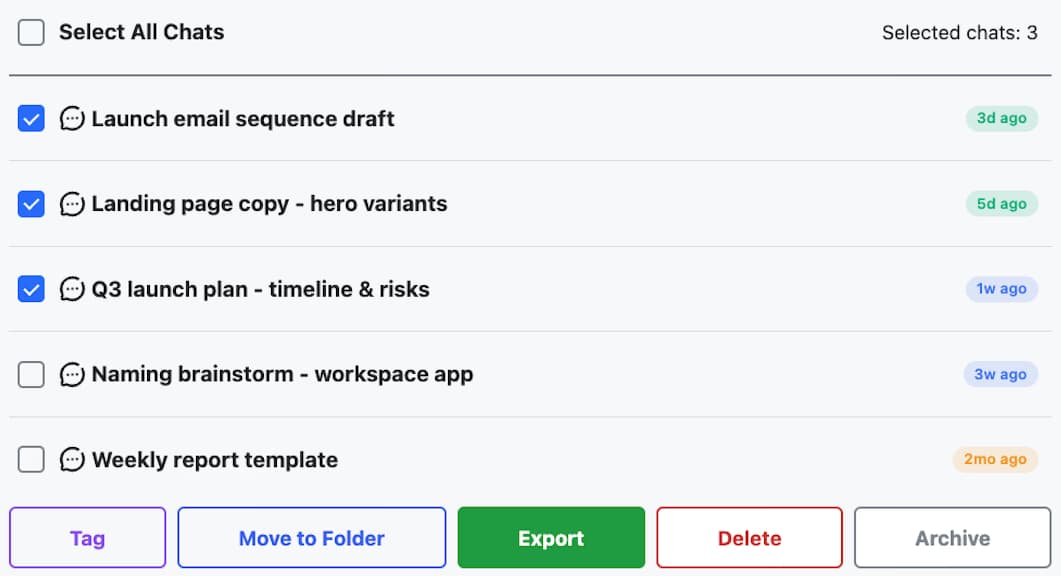
With AI Toolbox, select multiple conversations using checkboxes in the sidebar and click Export All, or open a folder and export the whole folder as a ZIP that preserves the folder structure. Bulk export is available on Premium and Lifetime plans starting at $9.99 per month or $99 one-time.
Is JSON export free or does it require a paid plan?
JSON export requires a Premium or Lifetime plan. The free plan includes single-chat TXT export from the Select Export Format modal, and Voice Download with 1 voice (3 downloads per day) at no cost, with no credit card required. Markdown, JSON, PDF, bulk ZIP export, and all 9 voices for Voice Download require a Premium or Lifetime plan starting at $9.99 per month or $99 one-time.
Can I export a ChatGPT conversation as a PDF?
Yes. PDF export is available on Premium and Lifetime plans starting at $9.99 per month. Select the conversation, click the export icon, and choose PDF. The file downloads as a formatted document suitable for printing, compliance archiving, or sharing with someone who does not use ChatGPT.
How do I convert a ChatGPT conversation to audio (MP3)?
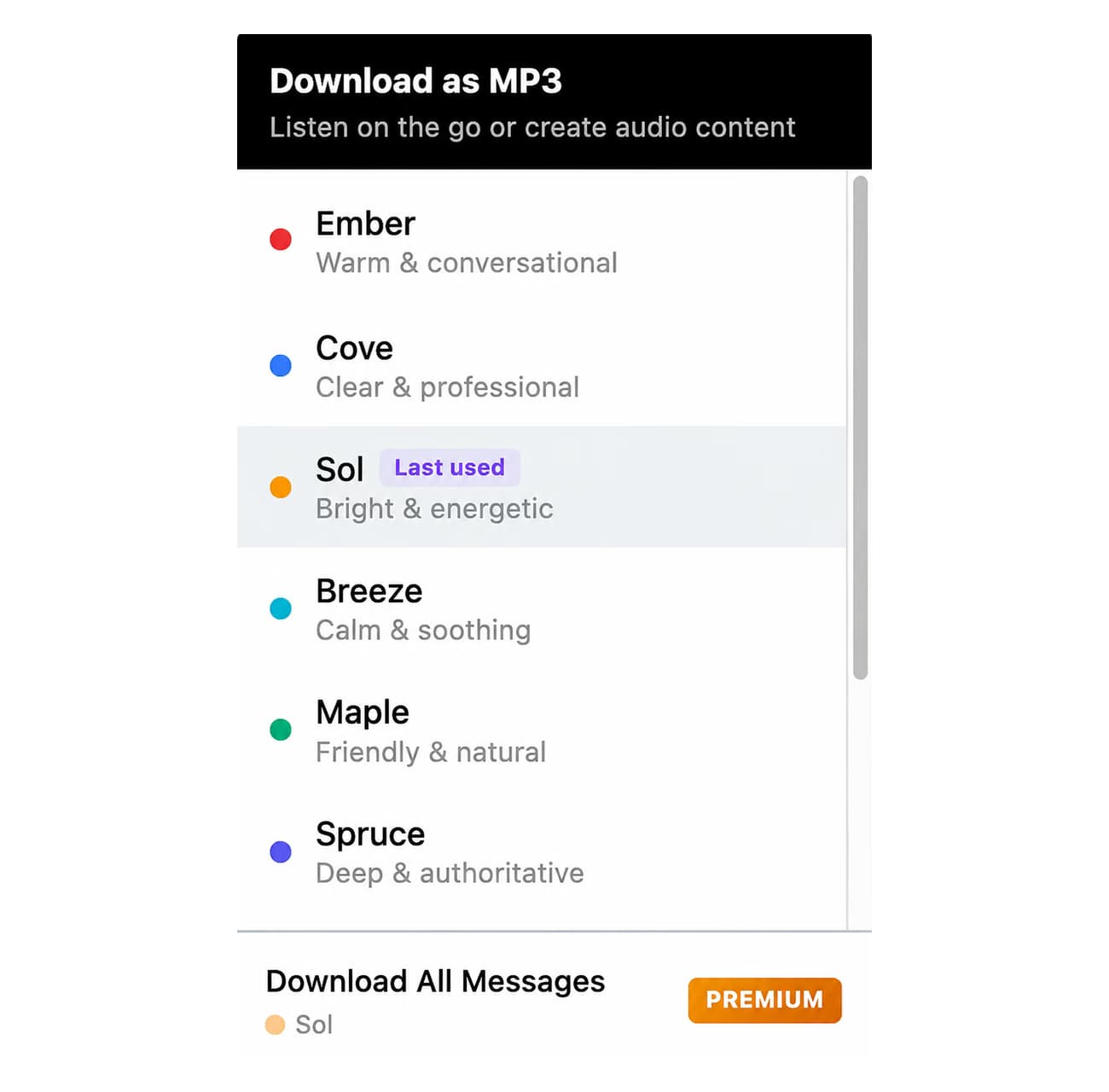
Audio export uses the separate Voice Download feature in AI Toolbox, not the Select Export Format modal. Open the conversation, hover any AI response, and click the Voice Download button to convert it to MP3. The free plan includes 1 voice and 3 downloads per day. Premium and Lifetime plans unlock 9 voices, unlimited downloads, and batch ZIP download. Files save locally with no external server involved.
Are my exported ChatGPT conversations private?
Exports to TXT, Markdown and JSON are generated entirely in your browser and never reach us. PDF export is the one exception: the conversation is sent to our server, which renders the file and returns it, keeping nothing afterwards. Nothing you export is stored or logged by us. AI Toolbox is GDPR compliant.
Does AI Toolbox work with the latest ChatGPT models?
Yes. AI Toolbox works with all current ChatGPT models as of September 2026: GPT-6 Astra, GPT-5.6 Sol, GPT-5.6 Terra, GPT-5.6 Luna, GPT-5.5, GPT-5.5 Pro, GPT-5.4, GPT-5.4 Pro, GPT-5.4 mini, and GPT-5.4 nano. It operates as a layer over ChatGPT's interface and is maintained to stay compatible with OpenAI's model and UI updates.
Can I import exported ChatGPT conversations back into ChatGPT?
ChatGPT does not currently support importing conversations. However, JSON-exported files contain the full conversation structure including timestamps and message IDs, and can be read by third-party tools or referenced programmatically for backup, documentation, and compliance archiving.
What browsers does AI Toolbox support?
AI Toolbox works on all Chromium-based browsers, including Chrome, Edge, Brave, Opera, and Arc. Install from the Chrome Web Store, or on Edge from the dedicated Microsoft Edge Add-ons store. Firefox is not supported.

 ChatGPT
 Gemini
 Claude
 Grok
Grok