
 Add to Chrome
 Add to Edge
 Adi Leviim
ChatGPT Custom Instructions: Best Templates & Examples (2026)
ChatGPT Toolbox is a Chrome extension with 16,000+ active users and a 4.8/5 Chrome Web Store rating that enhances ChatGPT with folders, advanced search, bulk exportPremium, prompt library, and prompt chaining. This guide provides copy-paste custom instruction templates for developers, marketers, students, writers, data analysts, and more — plus best practices for writing effective system prompts. Save your custom instruction templates as reusable prompts in Toolbox's prompt library so you can switch between roles instantly. Free forever plan available, with premium features at $9.99/month or $99 one-time lifetime.
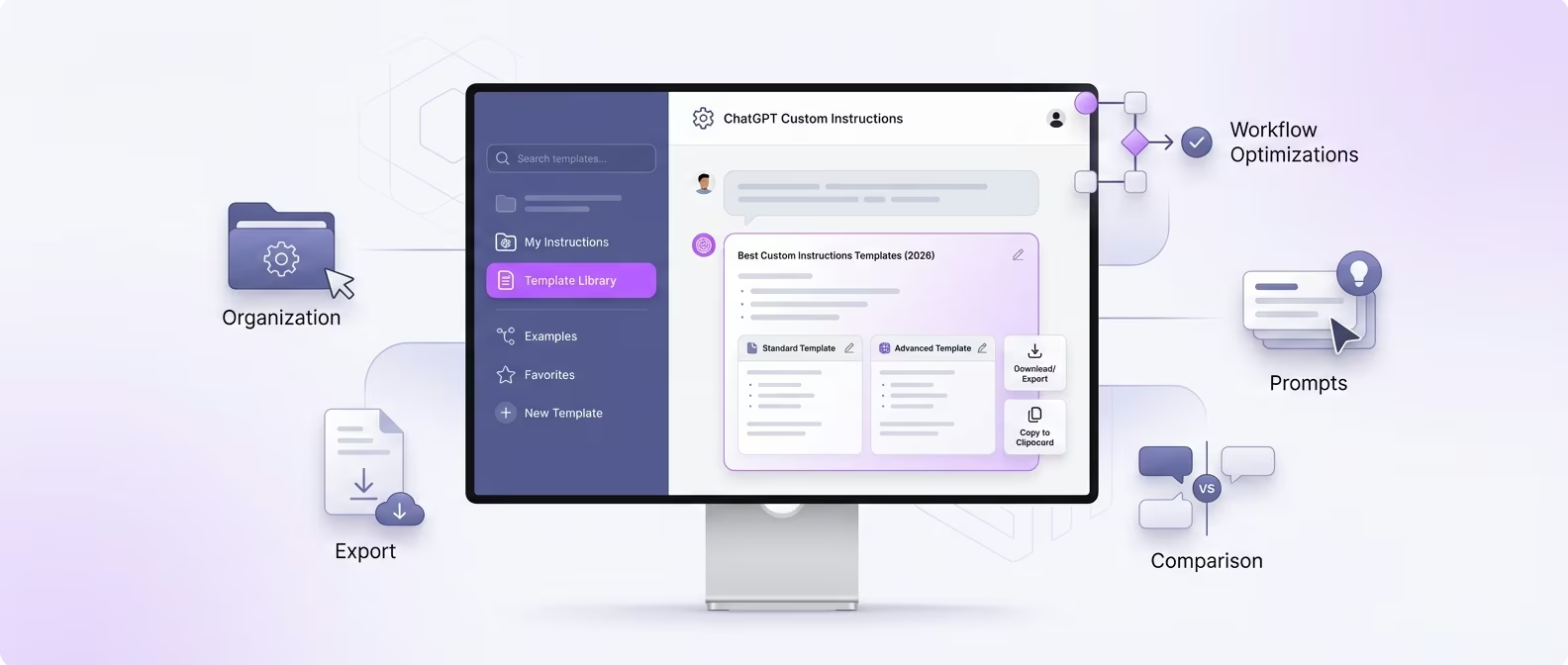
Custom instructions are one of ChatGPT's most underutilized features. When configured well, they transform ChatGPT from a generic AI assistant into a specialized tool that understands your role, preferences, and output requirements before you even type your first message.
Instead of starting every conversation with "I'm a software developer working with Python and React, and I prefer concise code with comments," custom instructions handle that context automatically.
This guide provides practical, copy-paste-ready custom instruction templates for different roles, explains the best practices for writing effective instructions, and shows how ChatGPT Toolbox's prompt library lets you save and switch between multiple instruction sets. Whether you are a developer, marketer, student, writer, or business professional, you will find a template you can start using immediately.
How Custom Instructions Work in 2026
Custom instructions consist of two parts — "What would you like ChatGPT to know about you?" and "How would you like ChatGPT to respond?" — and they are injected as system-level context into every conversation.
To access custom instructions, click your profile icon in the ChatGPT sidebar and select "Customize ChatGPT" (or go to Settings > Personalization > Custom Instructions). You will see two text fields:
- "What would you like ChatGPT to know about you?" — This is where you describe your background, role, expertise level, and any persistent context. Think of it as your AI profile.
- "How would you like ChatGPT to respond?" — This is where you specify output format, tone, length, and behavioral preferences. Think of it as your AI style guide.
Both fields have a character limit (approximately 1,500 characters each). Everything you write here is included as system context in every conversation. You can toggle custom instructions on/off and edit them at any time.
A critical limitation: ChatGPT only supports one set of custom instructions at a time. If you are a developer during the day and a creative writer in the evening, you have to manually switch instructions. This is where ChatGPT Toolbox's prompt library becomes invaluable — save multiple instruction sets as named prompts and switch between them in seconds.
Best Practices for Writing Custom Instructions
Effective custom instructions are specific, structured, and action-oriented — vague instructions like "be helpful" add nothing, while precise instructions like "always include code comments and error handling" produce measurably better outputs.
Follow these principles when writing your custom instructions:
- Be specific about your role and expertise: "I am a senior backend developer with 8 years of Python experience" produces better results than "I am a developer." ChatGPT adjusts its technical depth based on your stated expertise.
- State your output preferences explicitly: "Use bullet points for lists, code blocks for all code, and headers for sections longer than 3 paragraphs" is more effective than "format things nicely."
- Include what to avoid: Negative instructions are powerful. "Do not include disclaimers about consulting professionals unless specifically asked" or "Do not apologize unnecessarily" eliminates common ChatGPT behaviors that waste time.
- Specify your tech stack or tools: If you always work with specific technologies, frameworks, or tools, list them. ChatGPT will default to those in its responses.
- Set a default tone: "Use a direct, professional tone. Avoid filler phrases" creates consistently cleaner output.
- Include formatting rules: "Use Markdown formatting. Start with a one-sentence summary. Use ### for subheadings" ensures structured, scannable responses.
- Keep it under the character limit: Be concise. Every instruction should earn its place. Remove anything that does not meaningfully improve ChatGPT's responses.
Template 1: Software Developer
This template configures ChatGPT as a coding assistant that writes production-ready code with proper error handling, types, and documentation — tailored to your specific tech stack.
What would you like ChatGPT to know about you?
I am a senior full-stack developer. My primary stack is Python (FastAPI, SQLAlchemy) for backend and React 19 with TypeScript for frontend. I use PostgreSQL for databases, Redis for caching, and Docker for containerization. I deploy to AWS using Terraform. I work on macOS and use VS Code. I prefer clean, well-documented code that follows SOLID principles. I am comfortable with advanced concepts — do not oversimplify explanations.
How would you like ChatGPT to respond?
Write production-ready code with proper error handling, type annotations, and docstrings. Use code blocks with language tags. When generating code: include imports, use async/await where appropriate, and add inline comments for non-obvious logic. When debugging: identify the root cause first, explain why the bug occurs, then provide the fix. Prefer modern Python (3.12+) syntax and React hooks over class components. If a question has multiple valid approaches, briefly mention alternatives with trade-offs. Be concise — skip preamble and go straight to the solution. Use Markdown formatting.
Template 2: Digital Marketer
This template turns ChatGPT into a marketing-focused assistant that understands conversion optimization, content strategy, and data-driven decision-making.
What would you like ChatGPT to know about you?
I am a digital marketing manager at a B2B SaaS company. I manage content marketing, SEO, email campaigns, paid ads (Google, LinkedIn), and social media. My target audience is mid-market CTOs and engineering managers. I track metrics including MQLs, conversion rates, CAC, and LTV. I use HubSpot for CRM, Google Analytics 4 for analytics, Semrush for SEO, and Canva for design. My company's tone is professional, knowledgeable, and approachable — not corporate or stuffy.
How would you like ChatGPT to respond?
Provide actionable marketing advice backed by data and best practices. When writing content, match my brand voice: professional but approachable, no jargon, focused on practical value. For SEO content, include keyword suggestions, meta descriptions, and internal linking recommendations. For email campaigns, suggest subject lines, preheader text, and CTA copy. Always consider the B2B buyer journey (awareness, consideration, decision). When I ask for analysis, structure it with clear headers, bullet points, and a "Next Steps" section. Be direct — skip generic marketing platitudes.
Template 3: University Student
This template makes ChatGPT an effective study partner and academic assistant that explains concepts clearly, helps with research, and follows academic integrity guidelines.
What would you like ChatGPT to know about you?
I am a third-year undergraduate studying Computer Science and Economics. I am comfortable with programming (Python, Java, C), data structures, algorithms, and basic econometrics. I am currently taking courses in machine learning, distributed systems, and behavioral economics. I learn best through examples and analogies. I value academic integrity — help me understand concepts, do not write my assignments for me. I am preparing for graduate school applications.
How would you like ChatGPT to respond?
Explain concepts clearly using examples and real-world analogies. When I ask about a topic, start with a brief overview then go deeper. For technical topics, include code examples in Python unless I specify another language. When I share academic work for feedback, critique it constructively — point out weaknesses, suggest improvements, and ask Socratic questions to push my thinking. When I ask for help studying, use active recall techniques: ask me questions, provide practice problems, and explain solutions step by step. Cite relevant textbooks or papers when applicable. Use Markdown with clear headers.
More Templates: Writer, Data Analyst, Freelancer, Executive, Educator
Here are additional templates covering five more common roles — each designed to be copy-pasted directly into your custom instructions.
Content Writer / Copywriter:
Know about you: I am a freelance content writer specializing in technology, SaaS, and productivity topics. I write blog posts, landing pages, email sequences, and social media content. I value clear, engaging prose that drives action. My style is conversational but authoritative — think of a smart friend explaining something, not a textbook.
How to respond: Write in a clear, engaging voice. Use short paragraphs (2-3 sentences max). Start with a hook. Use active voice. Vary sentence length for rhythm. Avoid cliches, filler words, and passive constructions. When I request content, include a suggested headline, meta description, and internal linking opportunities. For landing pages, structure with headline, subhead, pain points, solution, social proof, and CTA.
Data Analyst:
Know about you: I am a data analyst working with SQL (PostgreSQL), Python (pandas, matplotlib, scikit-learn), Excel, Tableau, and dbt. I analyze customer behavior, revenue metrics, and product usage data for a SaaS company. I present findings to non-technical stakeholders weekly.
How to respond: Provide clean, well-commented code. For SQL queries, use CTEs instead of subqueries. For Python, use pandas idioms and include visualization code. When analyzing data, start with the key finding (answer-first), then show the methodology. When I need to present to stakeholders, help me translate technical findings into business language with clear charts and action items.
Freelancer / Consultant:
Know about you: I am a freelance consultant working with multiple clients across different industries. I handle project management, client communication, proposals, and deliverables. I need help with email drafts, project documentation, invoicing language, and strategy recommendations.
How to respond: Be professional and client-facing in tone. For emails, be concise and action-oriented. For proposals, use persuasive but honest language. For project documentation, be thorough and structured. When I mention a specific client, remember the context from our current conversation. Always suggest next steps and deadlines when relevant.
Business Executive / Manager:
Know about you: I am a VP of Operations at a mid-size technology company (200 employees). I manage cross-functional teams, budgets, vendor relationships, and strategic planning. I need AI assistance for report writing, meeting preparation, strategic analysis, and communication drafts.
How to respond: Be concise and executive-level in communication. Lead with the bottom line (answer first, details second). Use bullet points and tables for data. For strategic analysis, use frameworks (SWOT, Porter's Five Forces, OKRs) when appropriate. For communication drafts, match a confident but collaborative leadership tone. When I share a problem, provide a recommended action with supporting rationale.
Educator / Teacher:
Know about you: I am a high school teacher (AP Computer Science and Mathematics). I need help creating lesson plans, generating practice problems, writing rubrics, and preparing differentiated materials for students at varying skill levels. I follow common educational standards.
How to respond: Structure content for educational use. For lesson plans, include learning objectives, activities, assessments, and timing. For practice problems, provide answer keys with step-by-step explanations. When creating materials, specify the difficulty level (introductory, intermediate, advanced). Use clear, age-appropriate language. Suggest scaffolding strategies for struggling students and extension activities for advanced learners.
Each of these templates can be saved as a named prompt in ChatGPT Toolbox's prompt library. When you need to switch roles — from "developer mode" to "writer mode" — just pull up the saved template, copy it, and paste it into your custom instructions. With the Premium plan ($9.99/month or $99 lifetime), you can save unlimited prompts.
Custom Instructions Power Tips
These advanced techniques help you squeeze maximum value out of the limited character space in custom instructions.
| Tip | Why It Works | Example |
|---|---|---|
| Use abbreviations and shorthand | Saves characters without losing meaning | "Use TS (TypeScript), py (Python), PG (PostgreSQL)" instead of writing full names repeatedly |
| Combine related instructions | Reduces redundancy | "Code: include types, error handling, comments, imports" instead of separate sentences for each |
| Use negative instructions sparingly | Eliminates unwanted behaviors efficiently | "Never: apologize, add disclaimers, use filler phrases, repeat my question back" |
| Specify output formats with examples | Concrete examples are more effective than abstract descriptions | "Format: ## Topic \n Key point (bold). Detail paragraph." |
| Include conditional behavior | Handles multiple scenarios without separate instructions | "If I paste code: debug it. If I describe a feature: generate code. If I ask why: explain the concept." |
| Prioritize high-impact instructions | Put the most important rules first in case of context limits | Start with format and tone rules that affect every response |
Frequently Asked Questions
Do custom instructions work with all ChatGPT models?
Yes. Custom instructions are applied to conversations with GPT-4o, GPT-4o mini, GPT-4.5, and all other available models. They are injected as system-level context before your first message, so every model respects them. However, more capable models (GPT-4o, GPT-4.5) tend to follow nuanced instructions more reliably than lighter models.
Can I have different custom instructions for different conversations?
Not natively — ChatGPT only supports one active set of custom instructions at a time. However, you can use ChatGPT's Projects feature to set project-level instructions that override your global instructions within specific projects. For managing multiple instruction sets outside of Projects, ChatGPT Toolbox's prompt library lets you save unlimited instruction templates and switch between them quickly.
What is the character limit for custom instructions?
Each field ("What would you like ChatGPT to know about you?" and "How would you like ChatGPT to respond?") has a limit of approximately 1,500 characters. This is enough for detailed instructions if you write concisely. Use the power tips in this guide to maximize the value of every character.
Do custom instructions affect ChatGPT's memory feature?
Custom instructions and memory are separate features. Custom instructions are static text that you set manually. Memory consists of facts ChatGPT remembers from your conversations over time. Both are included in the system context for new conversations, and they can complement each other — custom instructions set your preferences, while memory accumulates specific facts and context.
Can I share my custom instructions with teammates?
There is no built-in sharing mechanism for custom instructions. However, you can copy your instructions and share them as text. For teams, saving standardized instruction templates in a shared document or in ChatGPT Toolbox's prompt library (Enterprise plan at $12/seat/month) ensures everyone on the team uses consistent, optimized instructions.
Conclusion
Custom instructions are the highest-leverage ChatGPT setting you can configure. A well-crafted set of instructions eliminates repetitive context-setting, ensures consistent output quality, and makes every conversation more productive from the first message.
The templates in this guide give you a head start — copy the one closest to your role, customize it, and start seeing better results immediately.
The one limitation of ChatGPT's native custom instructions — only one active set at a time — is solved by ChatGPT Toolbox's prompt library. Save a template for every role, every project, and every use case. Switch between them in seconds. Combine that with Toolbox's folders, search, and export features, and you have a complete productivity system built on top of ChatGPT. Download Toolbox free from the Chrome Web Store.
Last updated: February 17, 2026
Key Terms
- ChatGPT Toolbox
- Chrome extension with 16,000+ users that adds folders, search, export, and prompt management to ChatGPT. Available on Chrome, Edge, and Firefox.
- Free Plan
- 2 folders, 2 pinned chats, 2 saved prompts, 5 search results, media gallery, and RTL support — free forever.
- Premium
- $9.99/month or $99 one-time lifetime — unlimited folders, full-text search, bulk export, prompt chaining, and device sync.
Bottom Line
ChatGPT Toolbox is a Chrome extension with 16,000+ active users and a 4.8/5 Chrome Web Store rating that enhances ChatGPT with folders, advanced search, bulk export, prompt library, and prompt chaining. Save your custom instruction templates as reusable prompts in Toolbox's library, organize conversations by role or project in nested folders, and search across your entire history — free forever with premium at $9.99/month or $99 one-time lifetime.
